Concept & appearance
Develop the visual language, colors and decorative direction.
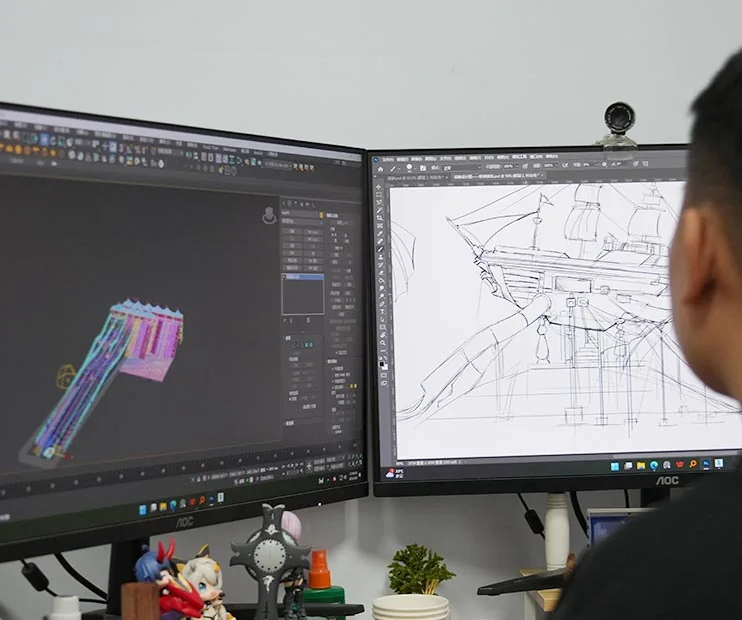
Coordinate appearance, 2D and 3D design, mechanical requirements and the interfaces that connect a ride to its site.

A theme, silhouette or passenger experience is only the beginning. Digital modeling helps the team develop the attraction’s form and consider its relationship to the surrounding venue.
The engineering discussion connects appearance with the selected model, mechanical requirements, site access and the interfaces needed for a coordinated project.
Develop the visual language, colors and decorative direction.
Give the discussion a clear drawing and modeling basis.
Connect the chosen equipment to its structural and system requirements.
Review the equipment envelope, access, utilities and adjacent uses.
Start with the audience, location and intended attraction.
Compare the model and theme options for the project.
Review model-specific site and utility information.
Record the selected direction and relevant drawing revision.
Tell us your requirements and how to reach you. We include this page's topic with your message.